Gmail and Outlook at parity
Search, read and work through threads, then compose, reply, forward and send from Gmail or Outlook, with BCC. Outlook uses categories and rules where Gmail uses labels and filters.

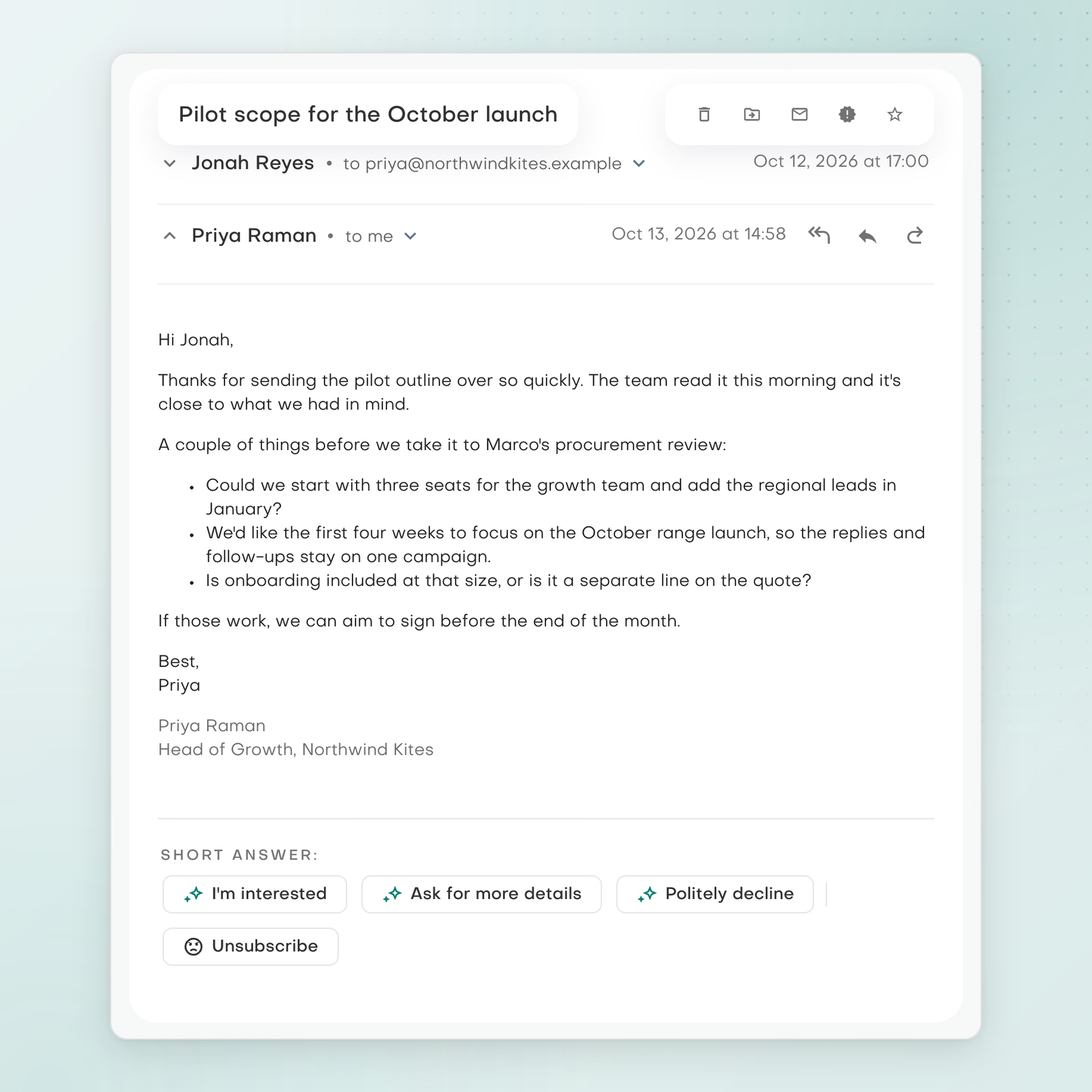
Read and manage Gmail and Outlook mail, then write or refine messages with AI that uses the thread, the recipients and your brand voice.
What you can work on
Search, read and work through threads, then compose, reply, forward and send from Gmail or Outlook, with BCC. Outlook uses categories and rules where Gmail uses labels and filters.
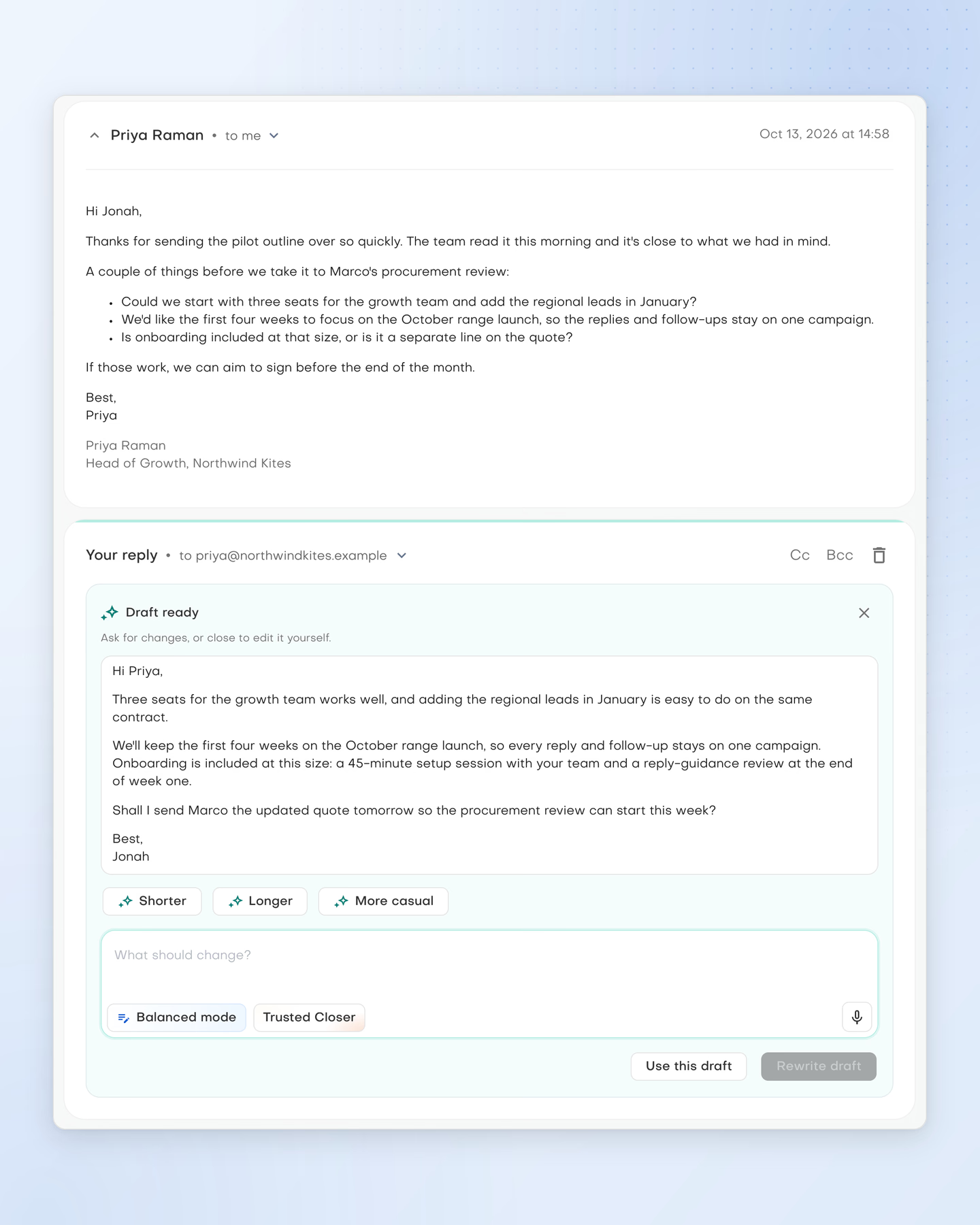
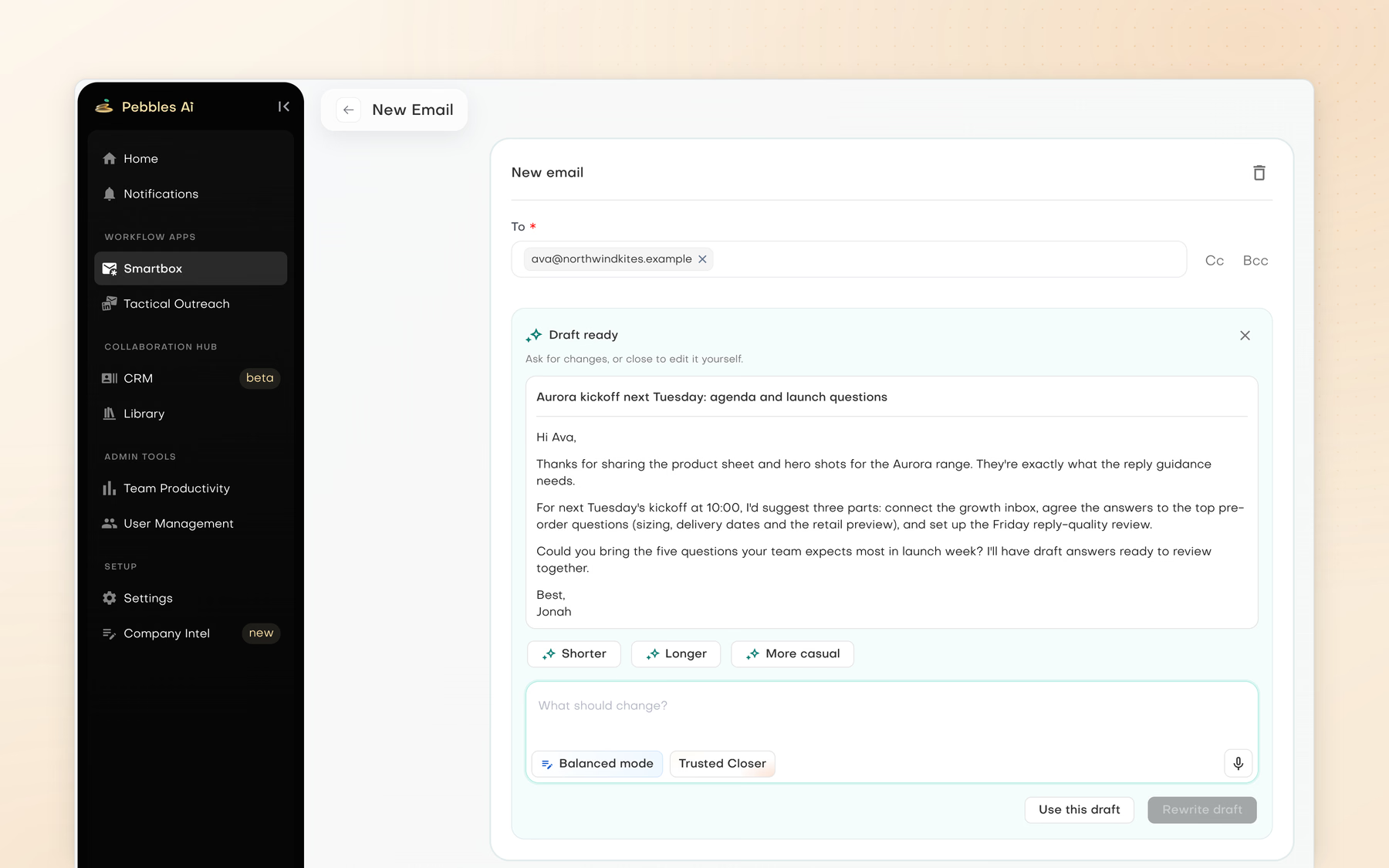
Write with AI or Refine with AI using the thread, the recipients and your brand voice. As a rough guide, Fast takes about 15 seconds without checks, Balanced, the default, about a minute and Comprehensive up to five minutes.
Create personalities that set the voice your drafts are written in, then pick one per message and start from a quick reply. Connect more than one inbox per provider; when Gmail and Outlook are both connected, the assistant asks which mailbox to use.
Current product view
Draft a reply in context or start a new email with writing instructions. Review the content and recipients before sending.
A practical starting point


I didn’t realise how much time we were wasting until we switched to Pebbles Ai. No more second-guessing emails, no more back-and-forth approvals. Just smart, effective messaging that’s ready to go. I wish we’d started sooner.
Independent review
The Gmail and Outlook connections behind Smartbox have passed the CASA II and Microsoft 365 assessments. SOC 2 Type II and ISO 27001 are in progress.

The independent security assessment Google requires of applications that connect to Gmail and Google Workspace data.

Microsoft's certification of the security and data-handling practices behind the Outlook and Microsoft 365 connections.

How we collect, process, store and delete personal data under EU and UK data protection law.

An independent audit of how our security controls work over time, against the AICPA Trust Services Criteria, targeted for Q2 2027.

Certification of our information security management system by an accredited body, targeted for Q2 2027.
Certification documentation is available through the trust centre before you commit.
Clear answers
Handle your email inside Pebbles Ai. Search, read and work through threads, then write, reply, forward and send, with BCC. Outlook works as fully as Gmail. It uses categories and rules where Gmail uses labels and filters.
Yes, both. Connect your Gmail or Outlook mailbox in Settings, Connections. You can connect more than one inbox for each provider. Smartbox works with these two providers only, not with other email services.
Yes. Write with AI drafts a reply using the thread, the people on it and your brand voice. Refine with AI improves a draft you already have. Pick a persona to set the voice, or start from a quick reply.
They are the three Write with AI modes. Fast takes about 15 seconds and skips checks. Balanced, the default, takes about a minute. Comprehensive can take up to five minutes. The times are a rough guide, not a promise.
No. Smartbox does not schedule sends or run automated sequences. Each email goes out when you send it yourself. To prepare a planned series of messages, use Outreach content, which saves them as drafts in your mailbox.
No. Each person connects their own mailboxes, and each one stays separate rather than merged into one shared inbox. When you have both Gmail and Outlook connected, the assistant asks which mailbox to use.
CASA II and Microsoft 365 Certification. Both are assessments by third parties, and they cover the Gmail and Outlook connections behind Smartbox. You sign in to Pebbles Ai with Google, Microsoft or an emailed one-time code, with no passwords.
It depends on the job. Smartbox is for everyday email: reading threads and writing replies. Outreach content is for planning campaigns to new contacts, by email or LinkedIn. Campaign emails are saved as drafts in your connected mailbox.
For more context, read Outreach content and email delivery are different jobs
Your next chapter
Bring a real go-to-market challenge. See where Pebbles Ai fits your work.